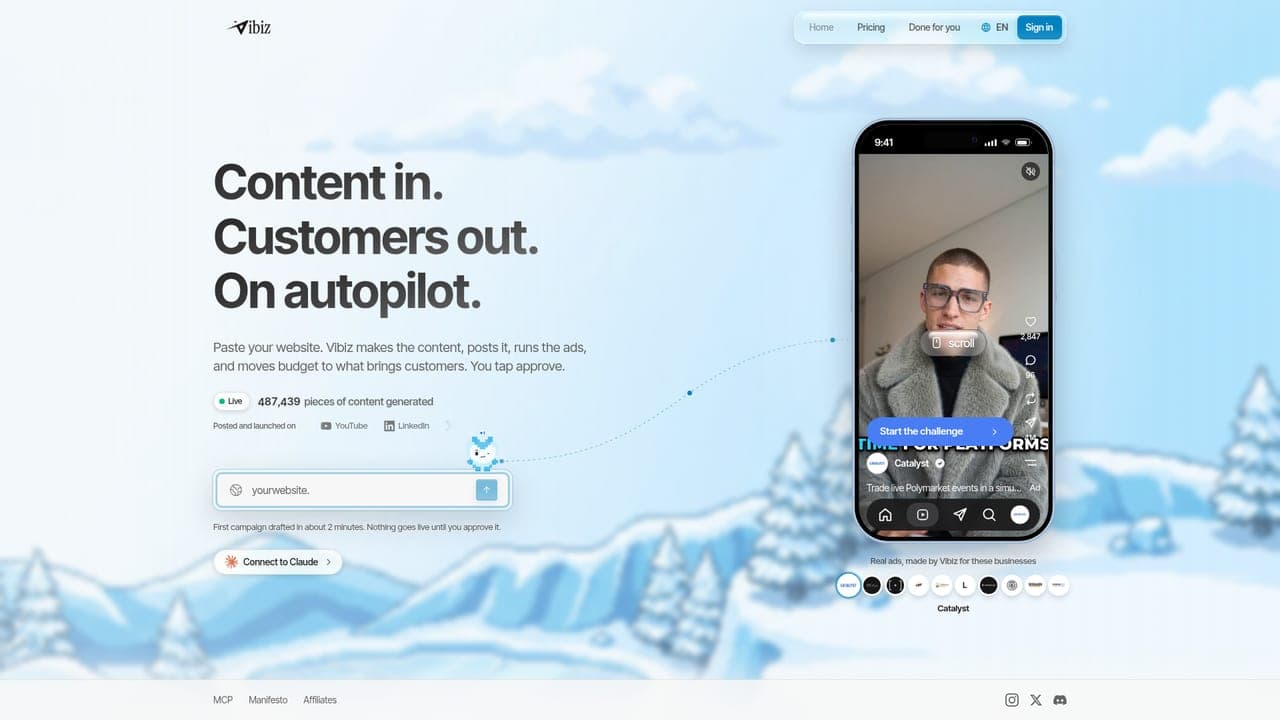
A video specialist earns its place when the presenter is central to your creative strategy. Include a broader workspace in the shortlist when video is one part of a campaign that also needs static creative and a destination. Test the complete sequence with your own assets.
For a presenter-led ad, test the actual product name, claim and spoken language you plan to use. Judge pronunciation, pacing and the credibility of the finished script. Do not choose a video workflow from a silent demo or an unrelated sample.
Prepare a short script with one difficult phrase and a specific product detail. Ask a colleague to review the result without seeing your brief. If they misunderstand the offer, revise the concept before spending time comparing export settings.
For each candidate, write the person responsible for the brief, the review, the destination and the campaign. Include a specialist only when that handoff is clear. A tool that does one stage well can be the right purchase when the remaining stages already work. Vibiz belongs in this evaluation when bringing those stages together is the desired change.
Use one product, one audience and one offer throughout the evaluation. Keep a record of the changes a reviewer requests and whether the person making them can complete the work unaided. The cards above are shortlist guidance; a request to verify a capability is not evidence that the capability is absent.
Start with the MakeUGC comparison for the two-product decision. Use the free tools to prepare a budget or creative brief before starting a paid workspace. A break-even ROAS calculation can help establish a financial constraint for your test, but it cannot tell you which software will produce better creative.
Each quoted price comes from the dated official registry and the vendor source below. Check region, annual commitment, renewal, included usage and add-ons at checkout. Do not convert an annual total into an apparent monthly subscription, and keep media spend separate from software cost.