You paste the product's address, or its App Store listing for an iPhone app. Vibiz reads the brand kit, the features and the use cases from what you published, and every job below starts from your product's own words.
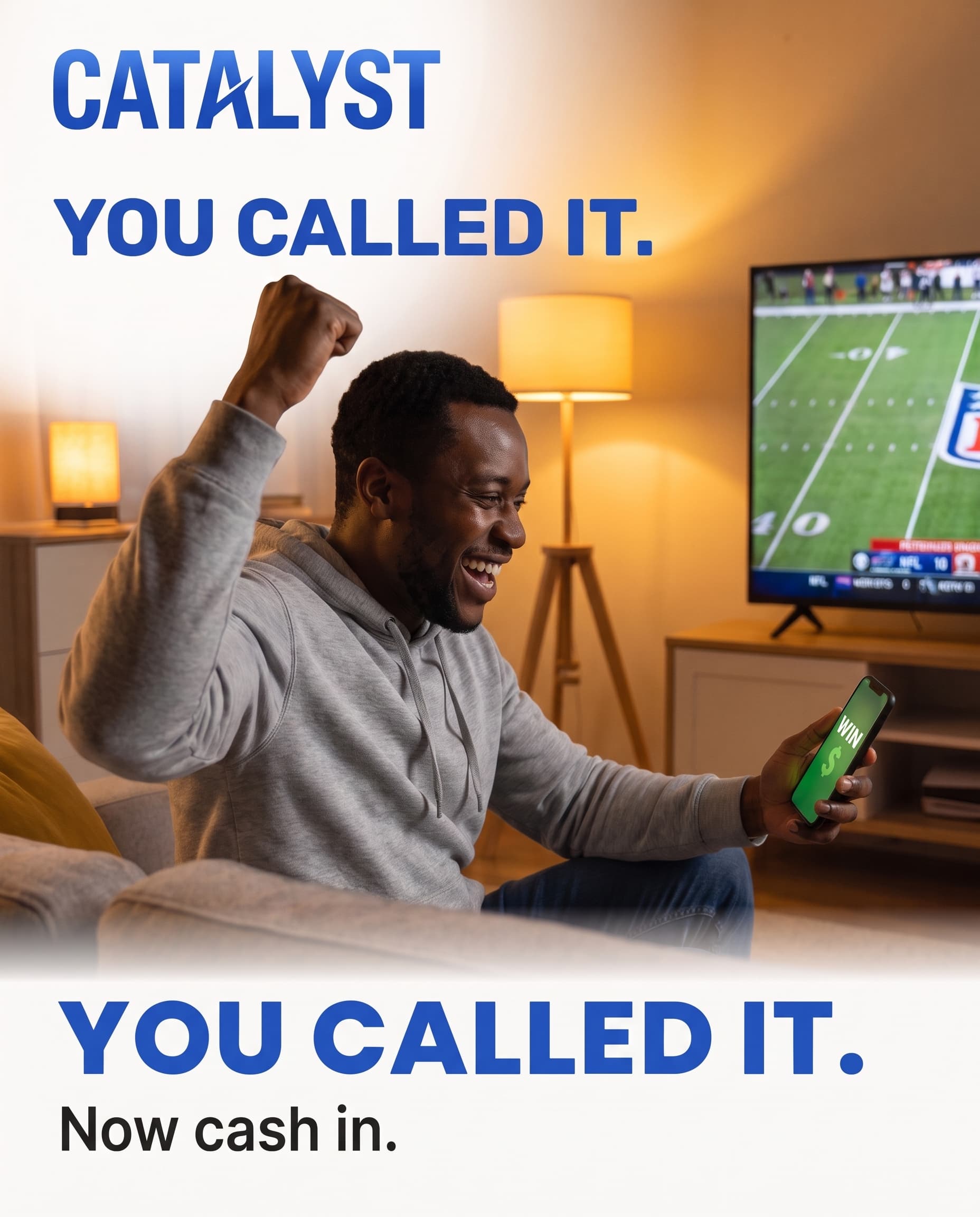
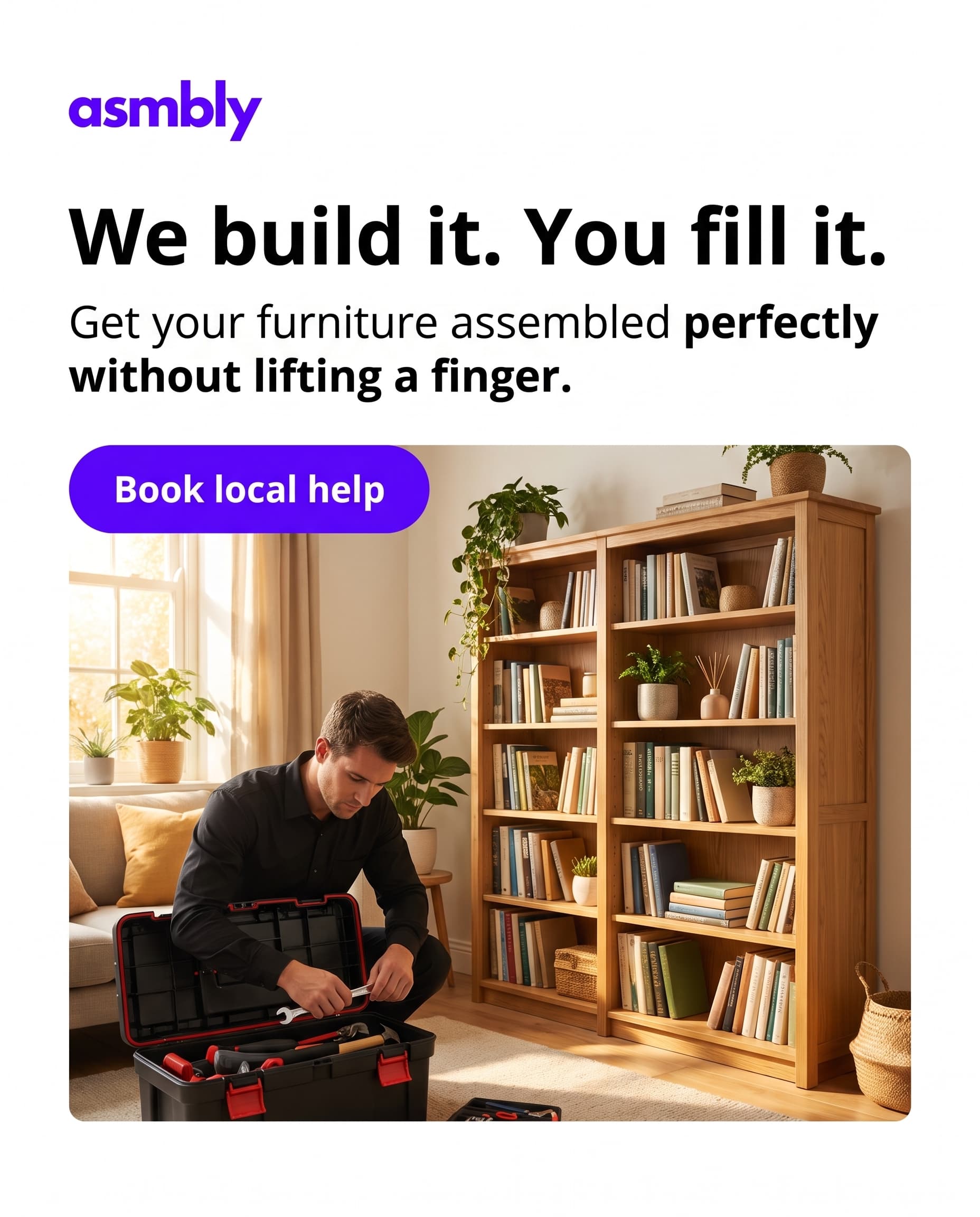
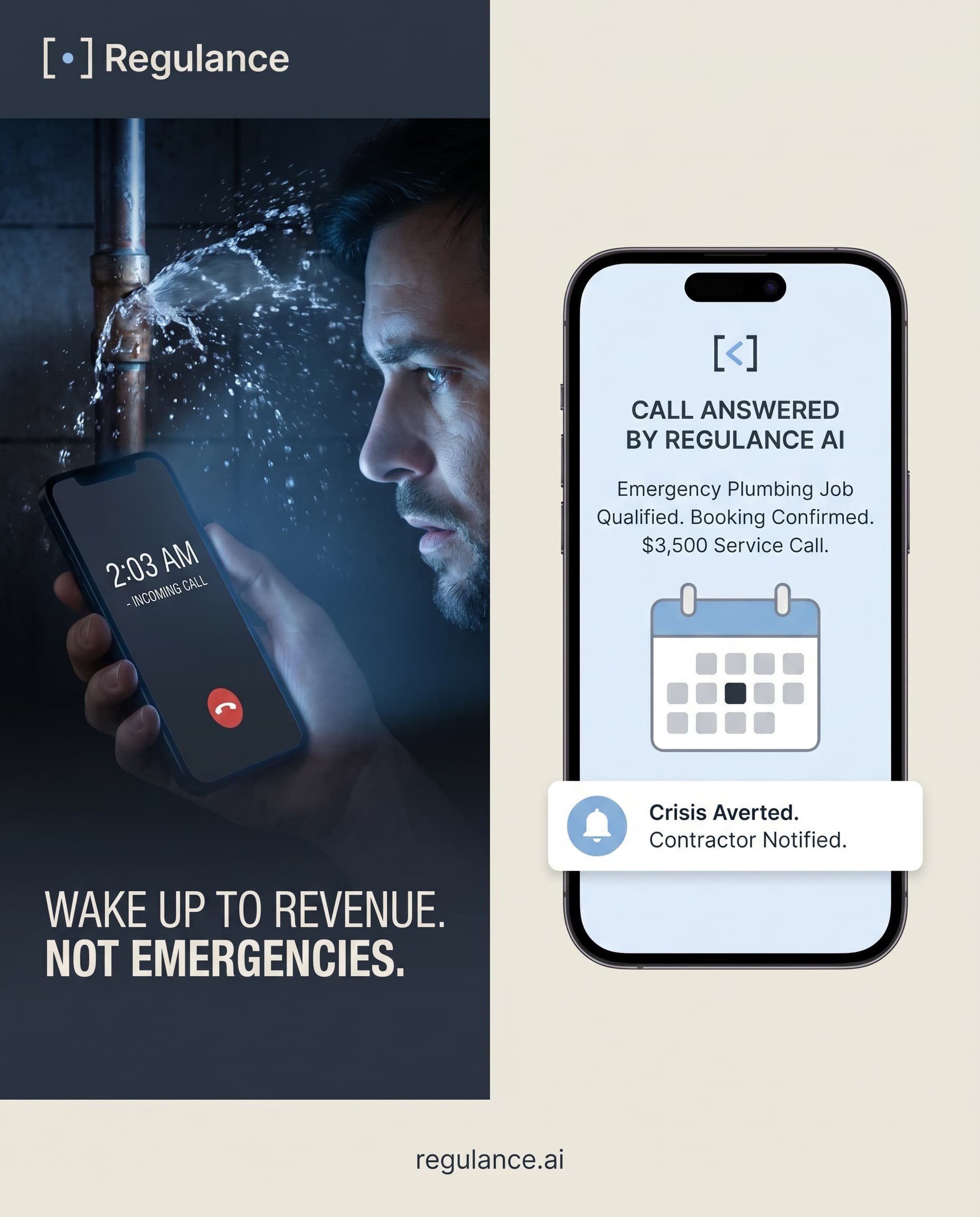
The AI ad generator writes statics, carousels and headlines for each feature and each use case. Each variant opens differently: the problem, the result, the comparison. You review every variant and change any line by describing the change.
AI UGC ads put a creator on camera explaining the problem and the result your product gives, with a script written from your site and captions burned in.
The AI ads manager builds the Meta campaign and a Google Search campaign for people already comparing tools, with the audiences, the daily budget and the keywords set, and shows the fee before you approve. The Vibiz tag on your site records leads and purchases, so the results show what each creative brought in, not only clicks.
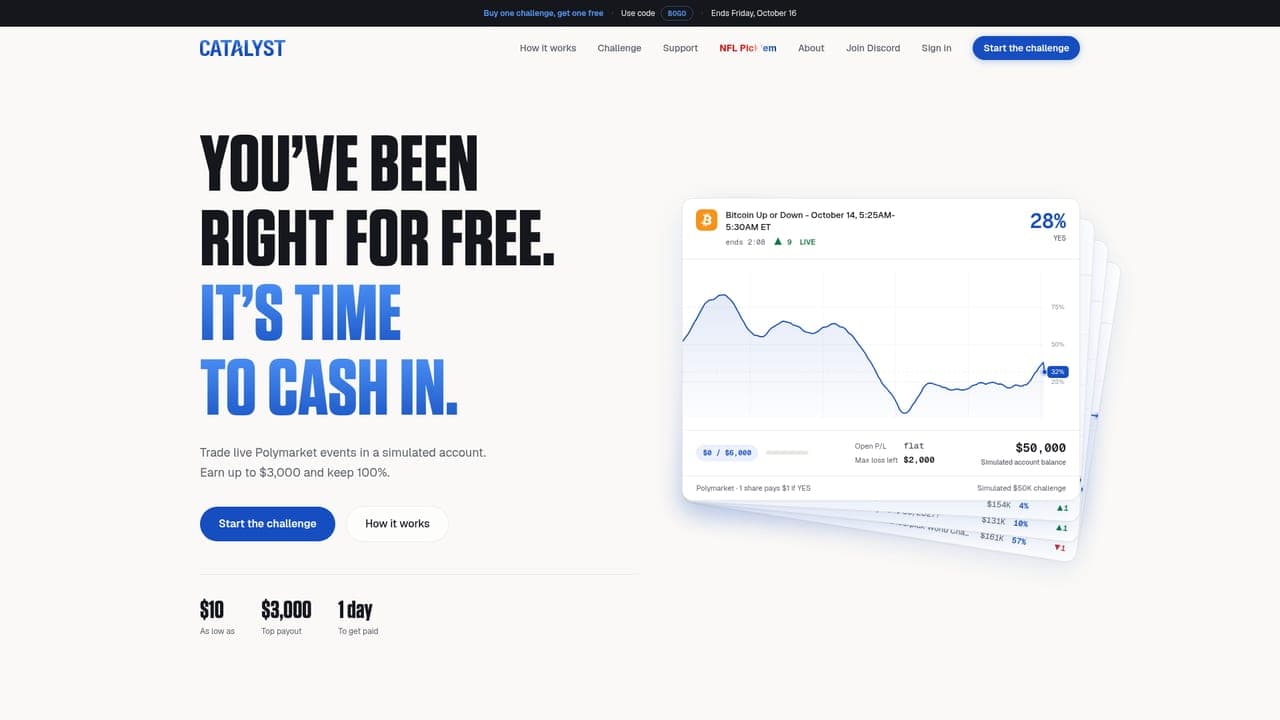
When the ad promises one use case, the landing page builder makes a page for it with the signup button, Stripe checkout if you sell a plan, and the tracking pixel already in it.
If you built the product with an AI app builder, it is a product like any other here: paste the live address and Vibiz makes the brand kit, the first ads and the page from it. The hard part after building is the first users, and that is the job this workspace does.
If you would rather hand the whole job to people, Vibiz also runs a done-for-you AI marketing agency. To work from Claude or Cursor instead of the app, see the Meta ads MCP for Claude.









 Trading challenges