 Pick Canva if
- Visual design editing is your main requirement
- You want to evaluate a specialist workflow
Best for: Teams evaluating visual design editing.
Updated
Best for: Teams evaluating visual design editing.
Best for: Owners who want creative production, pages and campaign execution together.
| Job | Vibiz | |
|---|---|---|
| Create campaign assets | Yes: Image and video creative | Partly: Validate in your own trial |
| Prepare a landing page | Yes: Pages and funnels | Partly: Validate in your own trial |
| Launch paid campaigns | Yes: Meta and Google | Partly: Validate in your own trial |
| Publish organic content | Yes: Social publishing | Partly: Validate in your own trial |
| Plan level | Vibiz | |
|---|---|---|
| Entry | Pro: $79 a month | $144/year per person |
| Billing context | Ad-spend service fee is additional | US Pro annual selection; local checkout prices and taxes can differ. |
Official vendor pricing checked on 18 October 2026. Taxes, selected billing period and final checkout can change the amount. Partial means verify fit, not an assertion that a feature is absent.
Pick one recurring design task: a promotion, product carousel or event announcement. Compare the effort needed to get correct hierarchy, readable text and consistent branding. A generic collection of attractive templates is less informative than a finished asset for your actual business.
Ask the person who maintains the brand to make a late change. A useful design workflow makes an update predictable without asking the original author to rebuild the asset. Check export dimensions and copy legibility at the size customers will actually see.
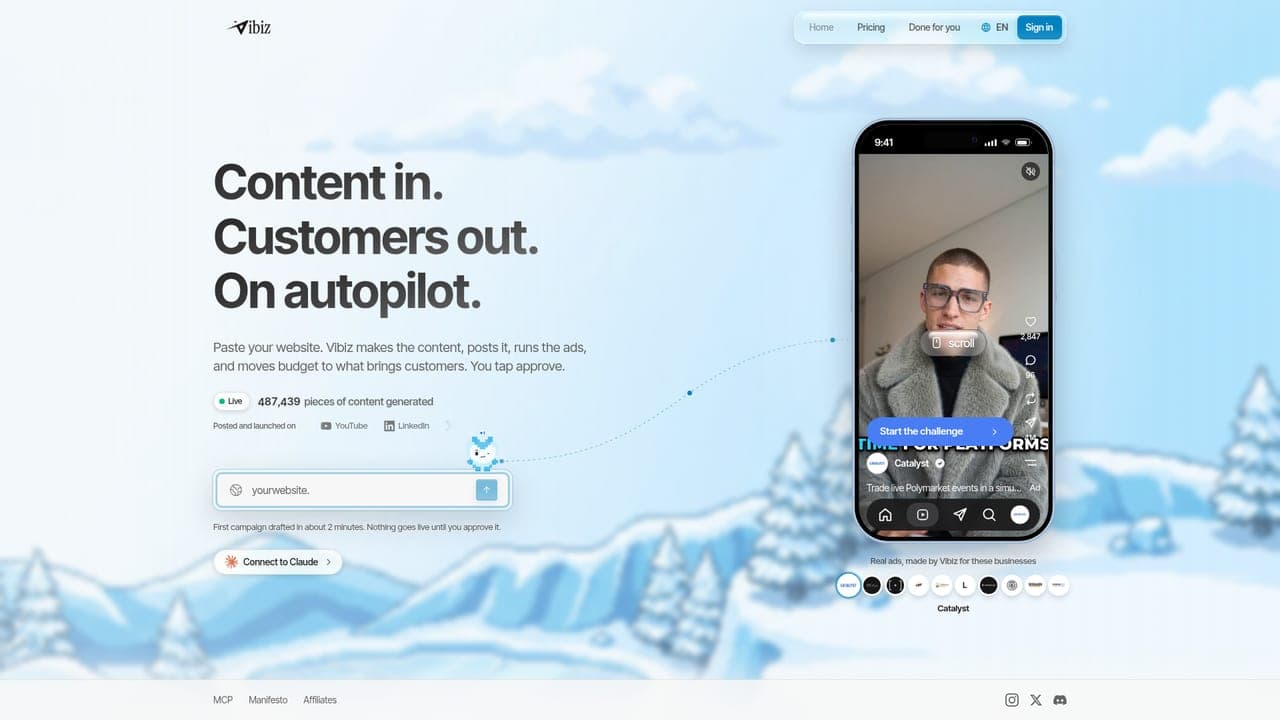
Vibiz combines creative production, landing pages, organic social publishing and Meta and Google campaign launch. Pro pricing comes from the live code catalog: $79 a month. Campaign ad spend and its service fee are additional; check the launch review before confirming a campaign. A broader workspace is useful when transferring assets and context between tools is taking time.
The pricing table records the fetched vendor billing basis. Keep subscription cost, usage allowance, people and ad spend as separate lines in your evaluation. Do not assume that two products use the same definition of a credit or a campaign.
Read the Canva alternatives for a wider shortlist. Before choosing, use the budget calculator to model the spend you can support and the ROAS calculator to examine your own results. These calculators do not predict a winning campaign.
This page is informational and reflects our own product and workflow recommendations, not professional or legal advice.