Claude finds your brand with list_vibiz, or adds a new one from its website with vibiz_onboard_brand, which builds the brand kit: logo, colors, fonts, tone and audience. Then say what you want to sell and to whom. Not sure which tool does what you need? vibiz_find_capability searches every toolset, including the ones you have not loaded, and names the one to add.
list_vibiz and vibiz_onboard_brand, in core
vibiz_get_branding reads the brand kit, in core
vibiz_find_capability finds a tool in any toolset
Ad creatives, priced before they run
vibiz_plan_ad_creative turns a brief into up to 4 on-brand creatives (image, carousel, video, UGC or product shot) and returns the credit cost and your balance. Nothing is generated until vibiz_create_ad_creative starts them, and in Claude a progress card follows each one to the end. The creatives toolset adds the single-purpose generators and an editor for images you already have.
vibiz_plan_ad_creative and vibiz_create_ad_creative, in core
vibiz_generate_image, vibiz_generate_ugc and vibiz_generate_ad_video, in creatives
vibiz_creatives_edit changes an existing image, in creatives
vibiz_list_creatives reuses what you already made, in core
A Meta campaign staged as a draft
With the ads toolset loaded, vibiz_meta_ads_prepare_campaign builds the whole campaign in the Vibiz campaign studio: the goal, ad sets with their own audiences and budgets, and every ad with its copy, media and destination. Ask for a change and vibiz_meta_ads_edit_draft rewrites the draft in place. For a campaign that is already running, vibiz_meta_ads_stage_changes adds ads or ad sets as staged changes. Nothing reaches Meta at this step.
vibiz_meta_ads_prepare_campaign and vibiz_meta_ads_edit_draft, in ads
vibiz_meta_ads_stage_changes for a running campaign, in ads
vibiz_meta_ads_audiences_list and vibiz_meta_ads_targeting_search, in ads
vibiz_meta_ads_pixels_list picks the conversion pixel, in ads
You publish it, in Vibiz
Open the draft in the Vibiz campaign studio, check the ads, audiences and budget, and publish. Only then does the campaign go to Meta, with the budget paid from your own ad account and the service fee on it shown next to the budget before you publish. Once the campaign runs, vibiz_growth_report and vibiz_ads_campaigns read the results back into the chat.
Nothing goes live from the chat
Fee on ad budget: 20% of the first $100 a day, 5% of the part up to $1,000 and 1% above that
vibiz_growth_report reads every connected ad platform, in core
vibiz_ads_pause stops an ad after you approve, in core
What the MCP server does not do
Paid ads run on Meta and Google only; the posts Vibiz publishes to Instagram, Facebook, TikTok, LinkedIn and X are organic. On Google the server reads campaigns and ads, pauses them and deletes ads. Launching, boosting or raising a budget always waits for your approval in Vibiz, and no tool buys credits or changes your plan. Creatives spend plan credits, 1 per image or carousel slide, with video and UGC priced by length. Publishing a campaign needs an active Vibiz plan.
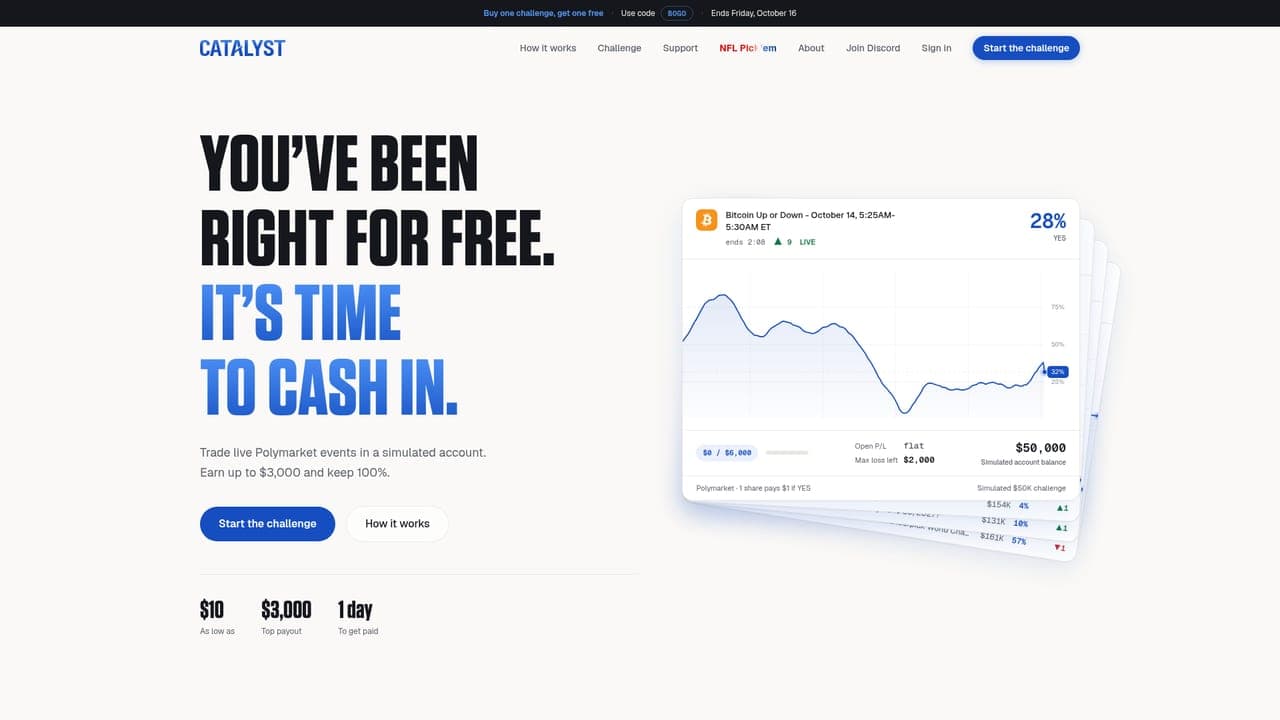
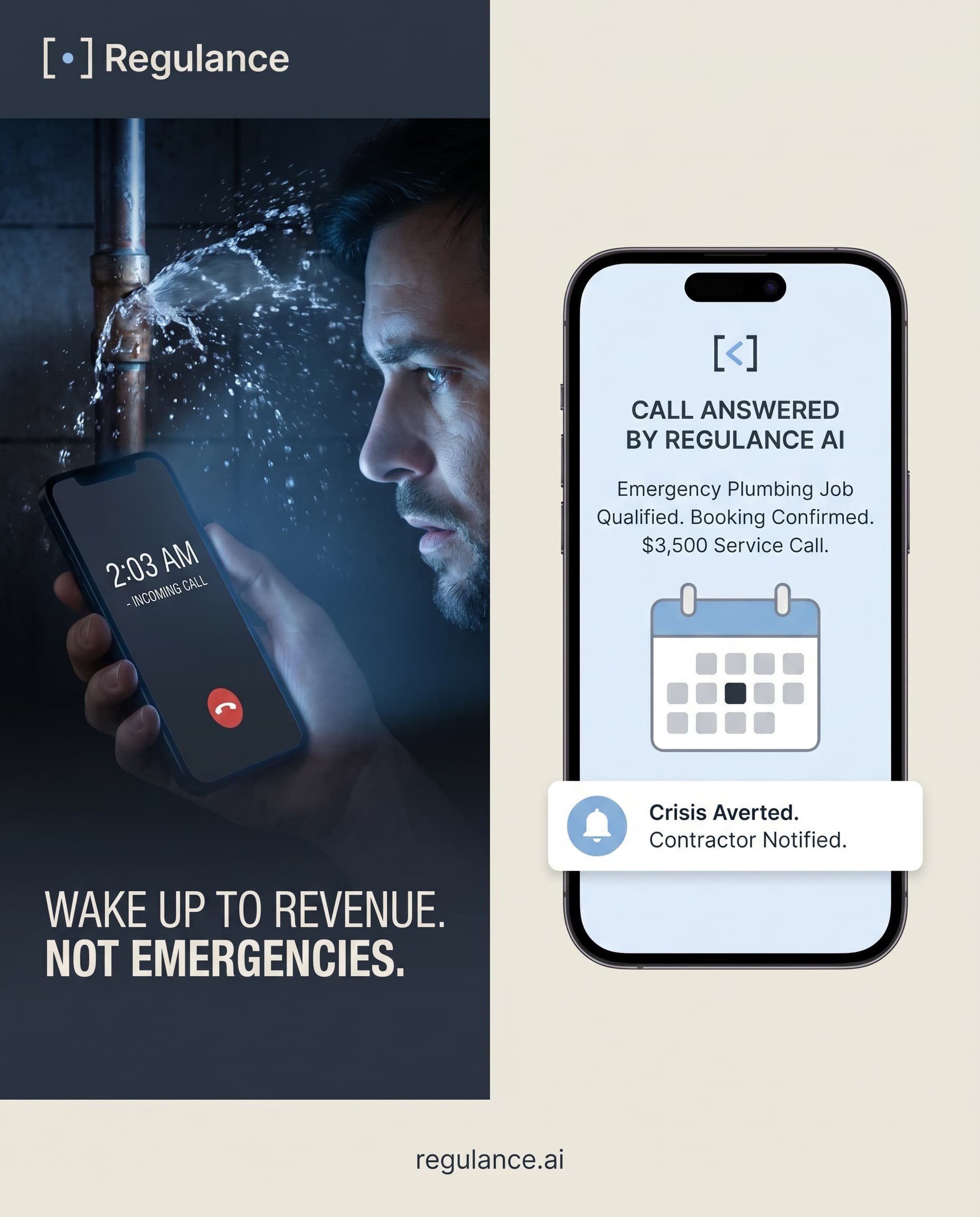
Catalyst runs the Elite Challenge, where traders trade live prediction-market events in a simulated account and earn a payout if they pass. A week after joining Vibiz it had its first Meta ad live, and in 13 days it launched 103 ads in 3 campaigns. They drew 1,206 clicks at $1.56 each, and the cost per Meta result fell 70% from the first two weeks to the last two.
A Meta Ads MCP server connects an AI assistant to advertising tools through the Model Context Protocol. Vibiz's server connects Claude to your marketing workspace: it can read your brand and results, create ad creatives and prepare a Meta campaign. You review and publish the campaign in Vibiz. This is Vibiz's connector, separate from Meta's own Ads MCP server.
A credit quote, then generated creatives after you ask to proceed
Review the creative in Claude or Vibiz
Prepare a Facebook or Instagram campaign
A draft with ads, audiences, budget and destination
Review and publish in the Vibiz campaign studio
Change an existing Meta campaign
Staged additions or edits for review
Publish the changes in Vibiz
Read Google Ads performance
Campaign and ad results from the connected account
Ask for the next analysis; Meta draft tools are separate
From July to October 2026, 731 small businesses made 6,022 creatives in Vibiz from an outside AI assistant this way (see the study).
You need a Vibiz account and the relevant ad account connected in its workspace to use campaign data. Creating media uses your plan's credits. The MCP connection itself has no additional subscription charge; pricing explains the plan and campaign fees.
Start with: “List my brands, then show last week's ad results for the brand I choose. Do not change anything.” This checks that you signed in to the right workspace and that the connected ad account is the one you expect.
Then try: “Plan three image ads for this offer and quote the credits first. Once I choose the creatives, prepare a Meta campaign draft. I will review the budget and publish it in Vibiz.” The creation and campaign steps stay visible, so you can inspect the work before publishing.
If you want the connector to be read-only, use:
https://mcp.vibiz.ai/mcp?readonly=1
What you see
What to check
Your brand is missing
The Vibiz account used for OAuth must have access to that workspace
Reports have no campaign data
Connect the relevant Meta or Google ad account in Vibiz and check the reporting dates
Creative tools work but Meta draft tools are missing
Add ?toolsets=ads to the connector URL and reconnect, or use vibiz_find_capability to find the toolset
A draft exists but nothing appears on Meta
Open the returned campaign studio link and publish the reviewed draft in Vibiz
To plan the work before Vibiz makes it, add the free Claude marketing skills: a go-to-market plan, a first-customer experiment, an ad creative test and a social content calendar, written to hand off to this server.
Each one names the tools Claude calls. The three that build or change a Meta campaign need the ads toolset loaded.
“Set up my brand from acme.com.”vibiz_onboard_brand reads the site and builds the brand kit, with a card that shows each step as it finishes.
“Make three static ads for our spring offer, for first-time buyers.”vibiz_plan_ad_creative quotes the credits, and vibiz_create_ad_creative makes the ads once you say yes.
“Make an 8-second UGC video of someone unboxing our candle.” The same plan and create pair with the ugc format. vibiz_list_ugc_styles, in creatives, shows the styles to pick from.
“Build a Meta campaign from these ads for leads, at $30 a day.”vibiz_meta_ads_prepare_campaign stages it as a draft in the Vibiz campaign studio for you to publish.
“Add a retargeting ad set for people who visited the site.”vibiz_meta_ads_audiences_ensure builds the site-visitor audience from your pixel, and vibiz_meta_ads_stage_changes stages the ad set.
“Rewrite the third headline and send ad 2 to /pricing.”vibiz_meta_ads_edit_draft changes the draft in place, and the open campaign studio reloads with it.
“What worked last week?”vibiz_growth_report reads your social results and every connected ad platform, with totals and Vibiz recommendations.
“Which Google campaign spent the most? Pause it.”vibiz_ads_campaigns reads Google spend, and vibiz_ads_pause stops the campaign after you approve. Turning it back on waits for your approval in Vibiz.
Pro is $79 a month, or $63 a month billed yearly . Ultra is $229 a month . Every plan is paid, and there is no trial.
When Vibiz runs your ads, the budget goes from your own ad account to Meta or Google and Vibiz adds a fee on it, for example $6 a day on a $30 daily budget. The fee is shown next to the budget before you approve.
The MCP server costs nothing on top of a plan. Creatives spend the plan's credits, and vibiz_plan_ad_creative quotes the cost before anything runs.
Claude (claude.ai and the desktop app, as a custom connector), Claude Code and Cursor, each with its own setup page. Any client that speaks MCP over HTTP can connect to https://mcp.vibiz.ai/mcp with OAuth, or with an API key from Developer, API keys in Vibiz when it cannot do OAuth. Claude shows approval and progress cards; Claude Code and Cursor show text only, so pausing, deleting and publishing stop at the approval step there and you finish them in Vibiz.
Nothing on top of your Vibiz plan. Pro is $79 a month, or $63 a month billed yearly, and Ultra is $229 a month; Vibiz has no free plan and no free trial. Creatives spend the plan's credits, 1 credit per image or carousel slide and more for video and UGC by length, and vibiz_plan_ad_creative quotes the cost before anything runs. When you publish a campaign in Vibiz, the service fee on ad budget is 20% of the first $100 a day, 5% of the part up to $1,000 and 1% above that.
No. Launching a campaign, boosting a post or raising a budget always waits for your approval in Vibiz, and a Meta campaign it prepares waits as a draft in the Vibiz campaign studio until you publish it there. Pausing or deleting an ad, publishing a post and sending a DM also wait for your approval. It cannot buy credits or change your plan. What it does spend is plan credits, on the creatives and other work you ask for, and vibiz_plan_ad_creative quotes the cost of new ad creatives before they run.
Yes. On Google it reads campaigns and ads, pauses them and deletes ads, and pause and delete wait for your approval. Launching a Google campaign waits for your approval in Vibiz, like every action that starts or raises ad spend. Vibiz runs paid ads on Meta and Google only, and Meta is where the MCP prepares new campaigns as drafts you publish in Vibiz.
What your own Vibiz login can see, and nothing else. You sign in over OAuth and every call runs as you, on the brands your account can open: brand kits, creatives, offers, connected ad and social accounts, and their results. The server holds no database or payment credentials of its own. Add ?readonly=1 to the URL for a connector that can only read, or ?vibiz= with a brand's slug to pin it to one brand.
Remove the Vibiz connector in your client: in Claude under Settings, Connectors, and in Cursor under Settings, MCP. If you connected with an API key, revoke it under Developer, API keys in Vibiz, and every client using that key stops at once.



























 Trading challenges