AI UGC ads are creator-style videos made with AI: a presenter, a product demonstration or a short script designed for the social feed. In Vibiz, you start with your website and product assets, choose an angle, review the script and generate the video. You can then prepare and approve a Meta campaign in the same workspace.
| Your starting point | Best next step | What to bring |
|---|
| A product photo and an offer | Generate an AI creator-style video | A clear product image, one benefit and a destination page |
| A demo or unboxing you already filmed | Remix the clip with a new opening | The original footage and the angle you want to test |
| A service or software product | Make a presenter explain one concrete use case | A short explanation of the problem and how the product helps |
| A creator your audience already follows | Keep that creator's footage and test new versions | The approved clip and a focused brief |
Be specific about the buyer, the product and the next step. For a folding travel bag, an example brief is:
Make a creator-style video for travelers who need an extra bag on the way home. Use my uploaded product image. Open with the bag folding into its pocket, explain that it packs away when unused, and end with “See the bag and available colors.” Use the product details from my site and a conversational voice.
Then test a problem-led opening against a demonstration-led opening. Keep the product, main message and destination the same so you can learn which opening helped. These are example scripts; replace the product and benefit with your own.
- Paste your website. Vibiz extracts the brand kit: logo, colors, tone of voice, products and the proof points from your reviews.
- Pick a product and an angle. The agent proposes hooks: a problem, a result, a comparison, a routine. You keep the ones you like or write your own.
- Choose the creator. One of 11 presets, or a clip of your own creator. The product in frame is your real packshot.
- Review the scripts, then render. Edit any line by describing the change. Rendering takes minutes, captions and formats included.
- Launch on Meta. Build the campaign from the videos, approve the budget and fee, and read the results in the workspace. Google Search and Display campaigns have their own creative requirements.
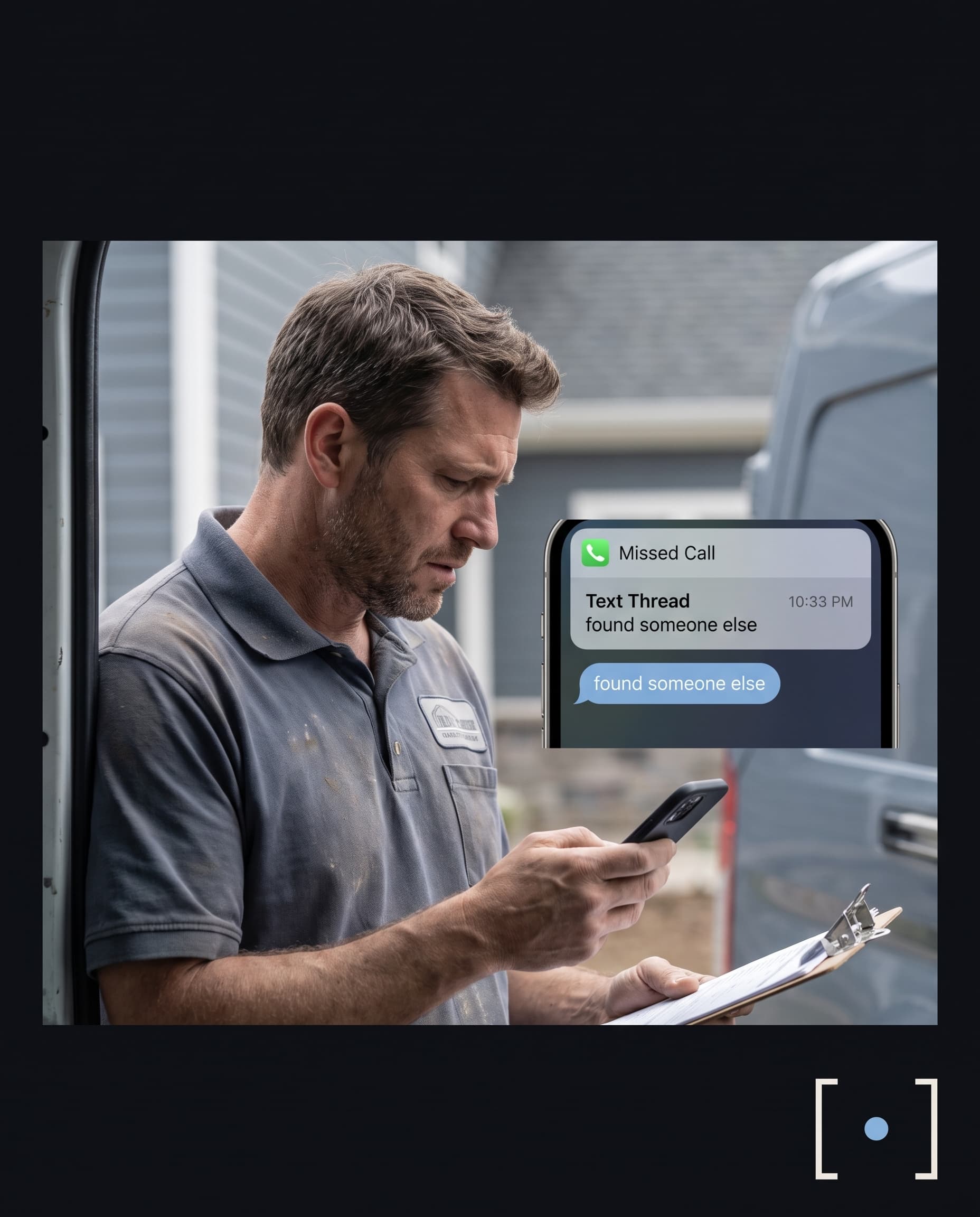
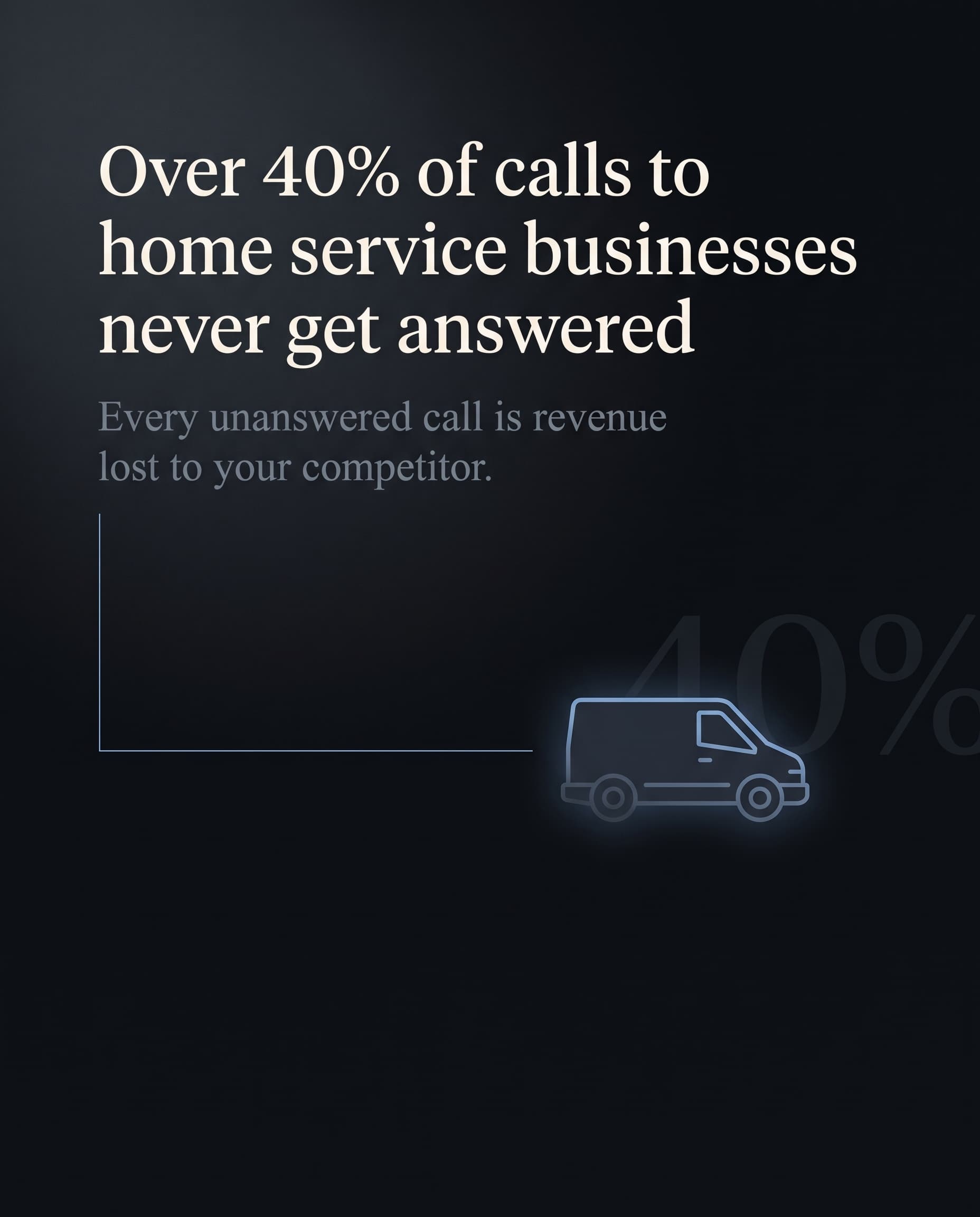
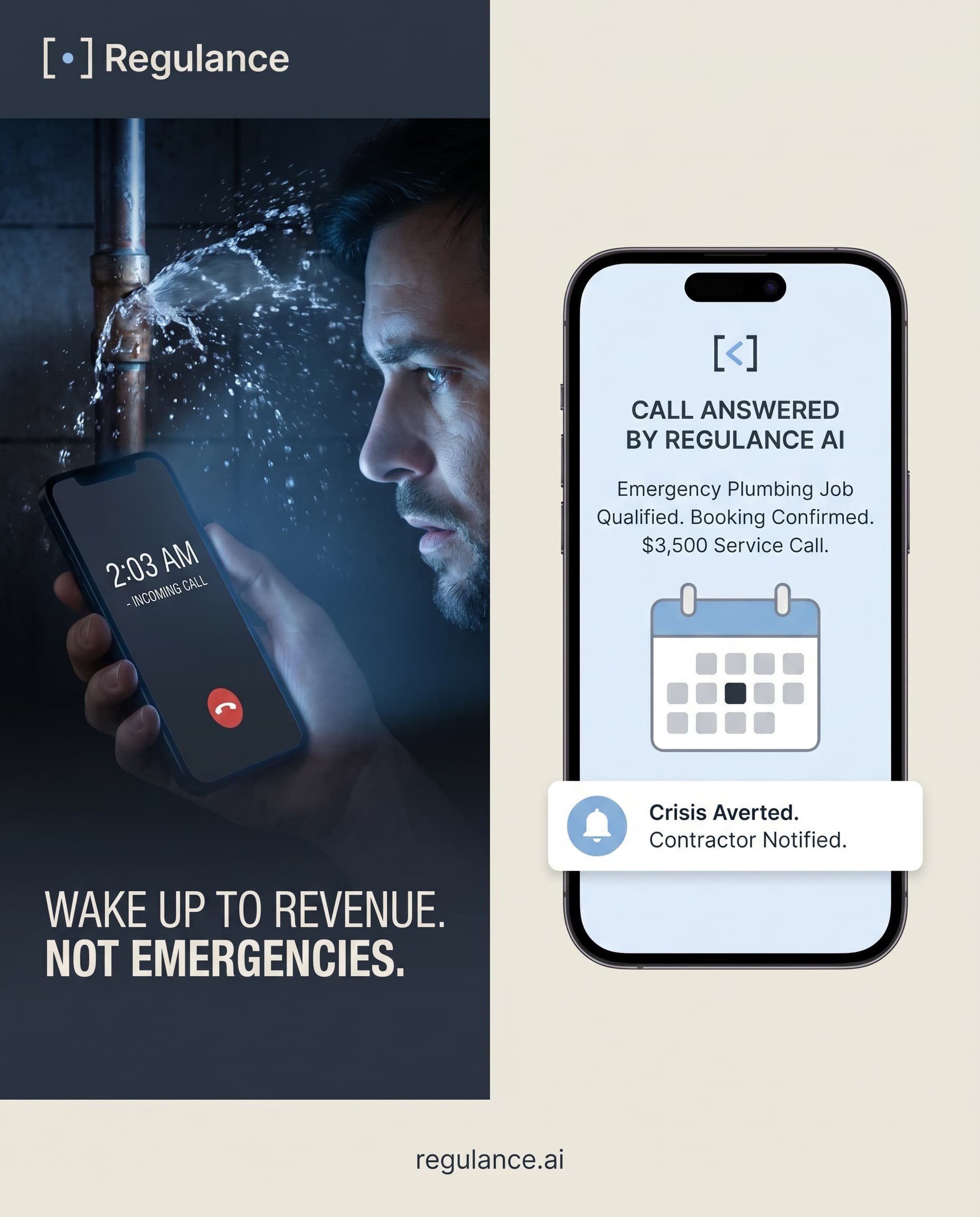
Regulance, an AI receptionist for service businesses, made 38 videos as part of 141 creatives between June and October 2026. Many show a presenter explaining what happens when a customer calls after hours. It also launched 25 Meta ads in two campaigns in June. The story shows the videos and publishing timeline; the 25 ads are the campaign total, not a count of video ads alone.
The useful pattern is concrete: explain one situation your buyer recognizes, show how the product fits, and give them one next step. Browse more UGC ad examples to choose a format for your business, or product ad examples for static ads made from a product photo.
Watch the video on a phone with sound both on and off. Check the product image, spoken words, captions and final destination. A service ad should explain the offer clearly even when there is no physical product to hold up.
Keep production cost and media spend separate. Video generation uses your plan allowance; the ad account budget and Vibiz service fee are shown when you prepare the campaign. See UGC ad costs for the cost categories and how to make UGC ads with AI for a longer walkthrough.
If you sell a service that lives on the person, such as coaching, or your audience knows your creators by name, keep filming with them. Use Vibiz to multiply their best clip into ten hooks instead of asking for ten shoots. For a product that sells on what it does, the AI version tests more angles for less and the winning one can always be reshot by a human later.
Draft opening lines for your video brief with the free ad hook generator.
If you are weighing a dedicated AI video tool, these pages put Vibiz next to the main ones, with prices and recent reviews:












 RegulanceAI receptionist software